

- FAQ How Is My Price Determined?
- What is the minimum order quantity?
- Where can I get assistance with my design?
- How can I ensure my design is perfectly centered?
- Can I request a sample before placing an order?
- How can I order my design on different products, colors, or styles?
- What can I expect after placing my order?
- When can I expect my order to arrive?
- What payment methods do you accept?
- What should I do if I have an issue with my order?
- Where is 24hourwristbands.com located?
- Is my order tax exempt?
- Does 24hourwristbands.com keep products in stock?
- How can I get your W-9 form?
- Explore the Design Studio
- Maximum print area for designing
- Creating a design on the back
- Modifying the font design
- Resize Your Clipart
- Upload Your Own Art
- Trademarked or copyrighted images
- Selecting the Perfect Imprint Colors for Your Design
- Best Practices for Printing Clean, High-Quality Images
- What format should I use to submit my artwork?
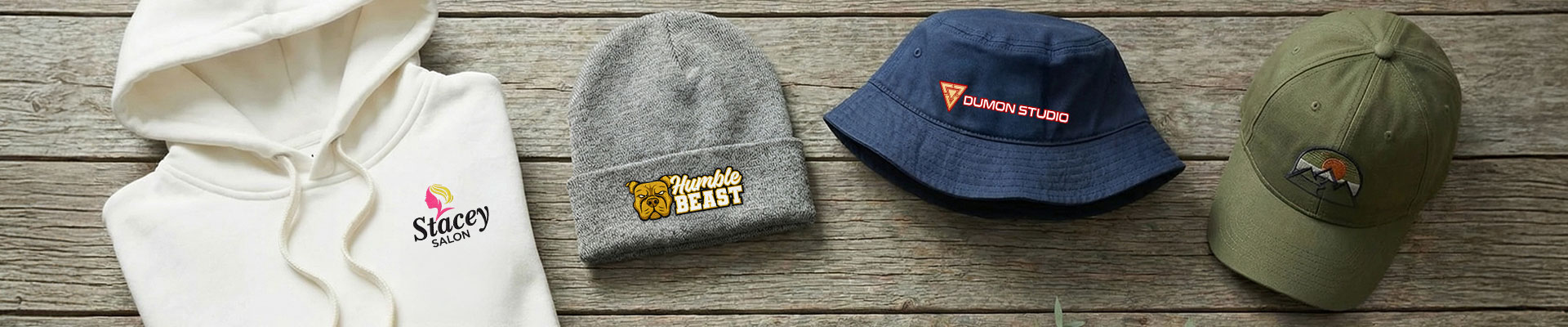
Embroidery Files Guide
This is the process of taking digital design files and converting them to a format supported by our embroidery machines. There are certain designs that will look great screen printed but do not work for embroidery. Please read through this guideline to make sure embroidery is right for your design or logo.
Basic Guidelines for Your Embroidery Designs
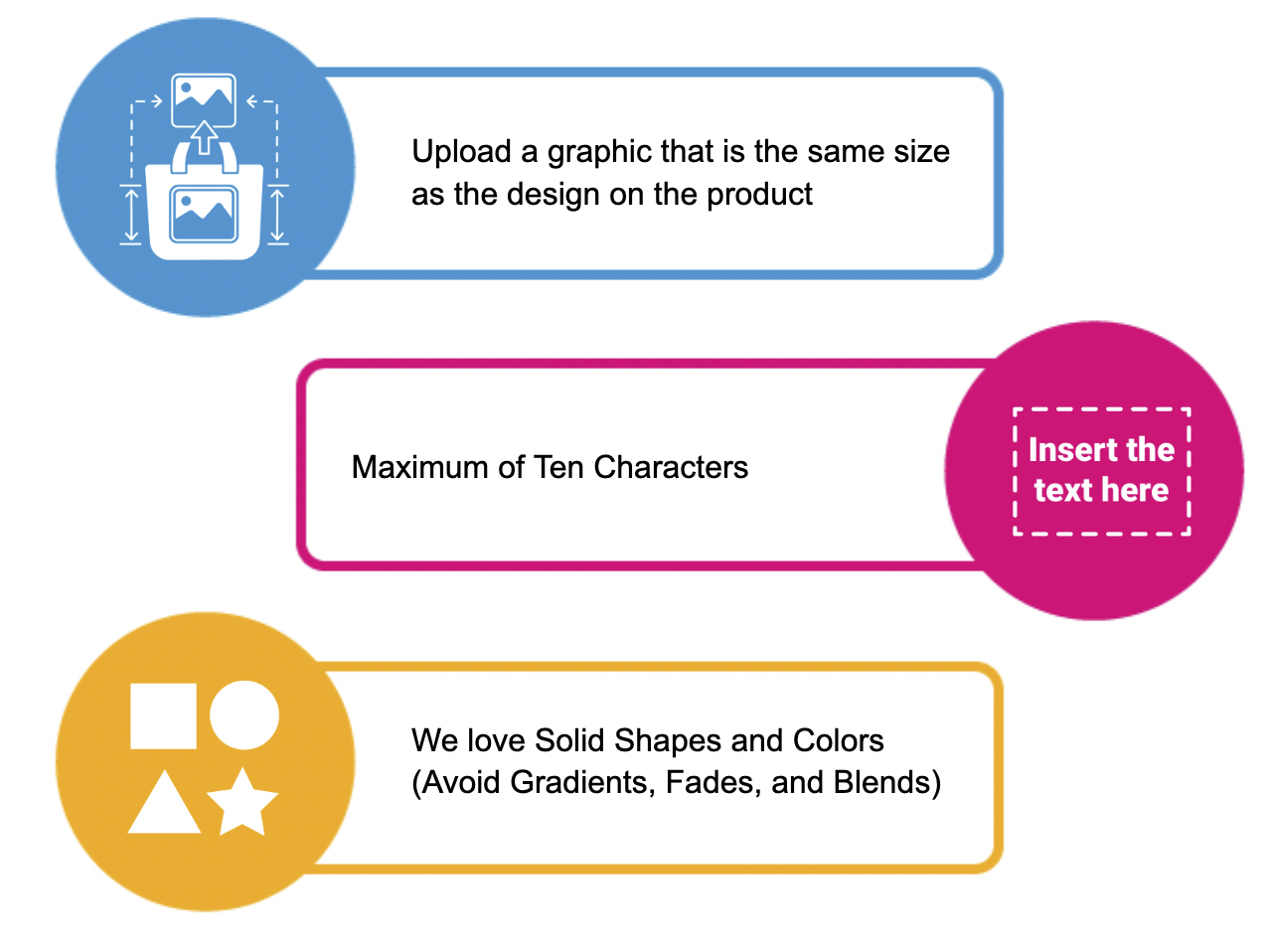
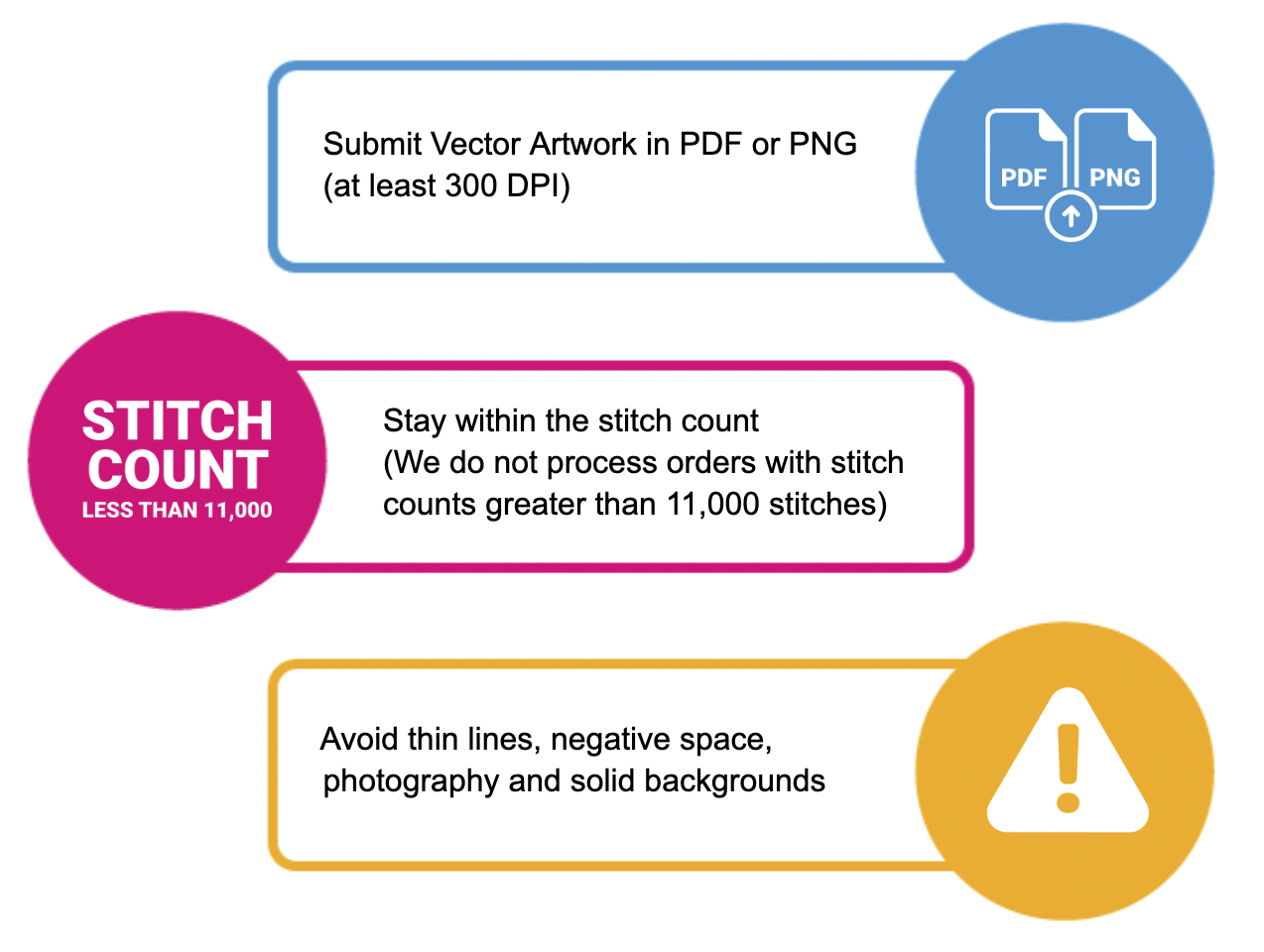
Best Practices for the Best Results
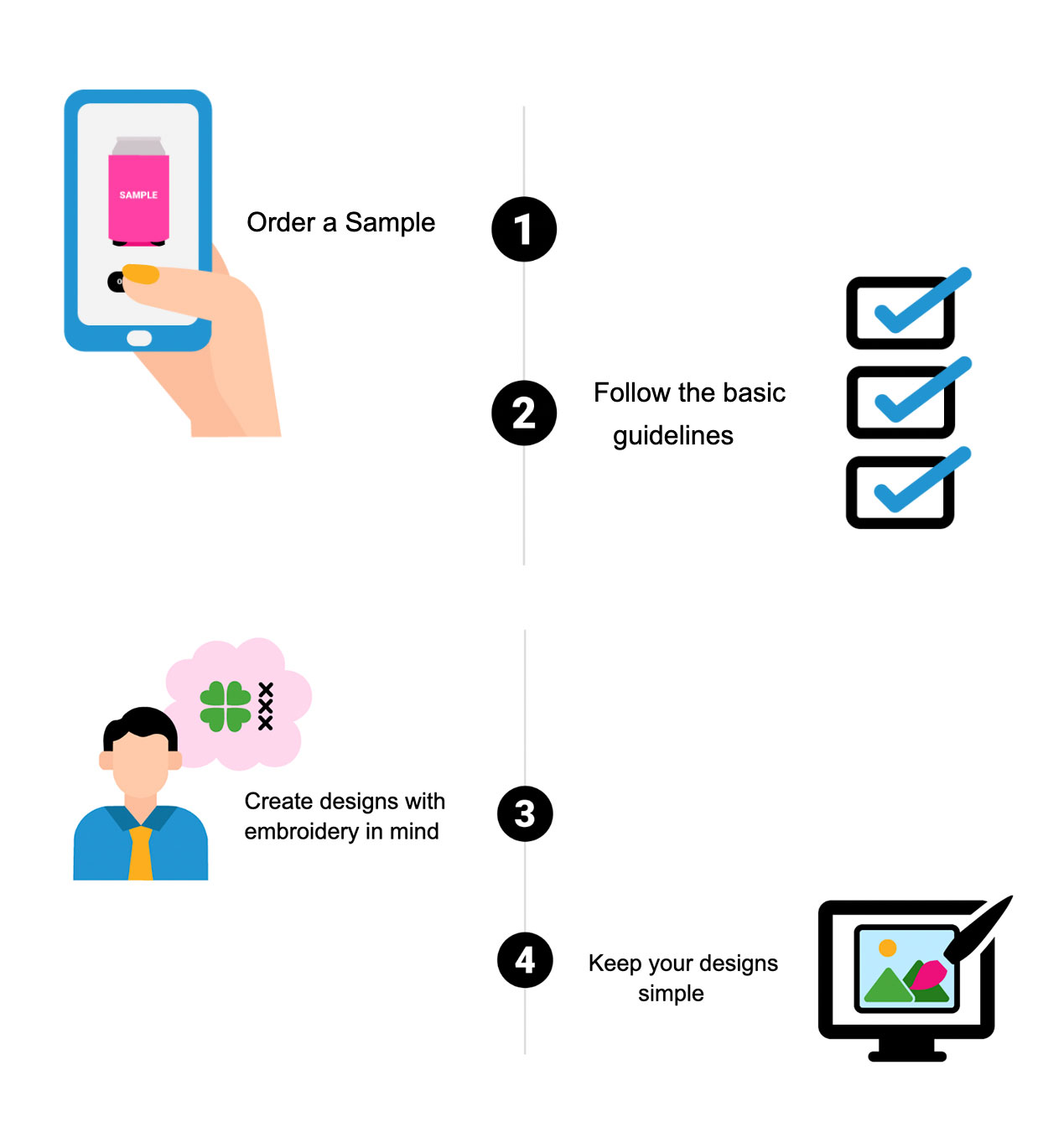
Most Common Design Issues
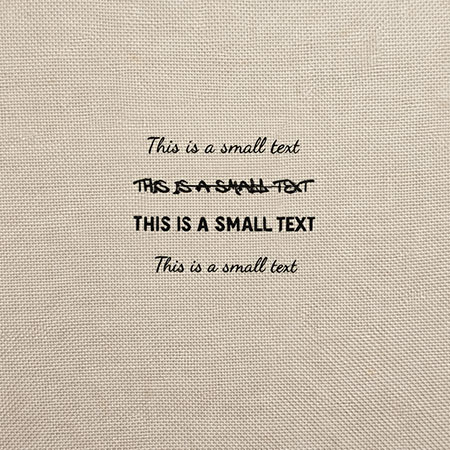

Texts are too small
Keep the text at least 0.25" in height and at least 0.05" thick.
0.25" is equivalent to approximately 36pt, and the letters will also have the necessary thickness.
Use simple fonts like Arial, Helvetica, Myriad pro.
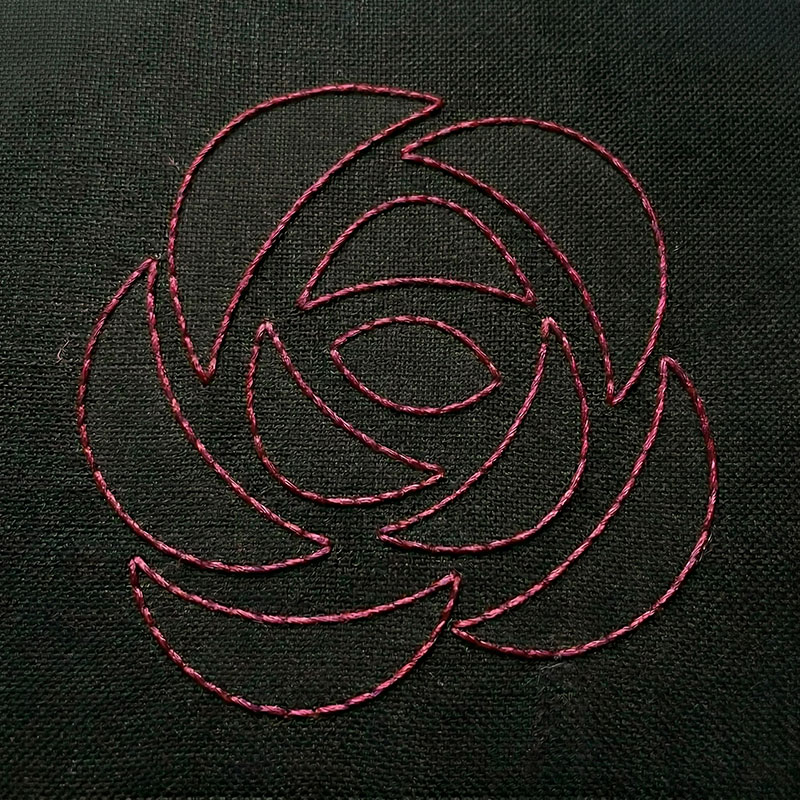
Lines are too thin
The minimum recommended line thickness for the regular satin stitch is 0.05". For thinner lines we'll use run stitch (a single line of stitches).
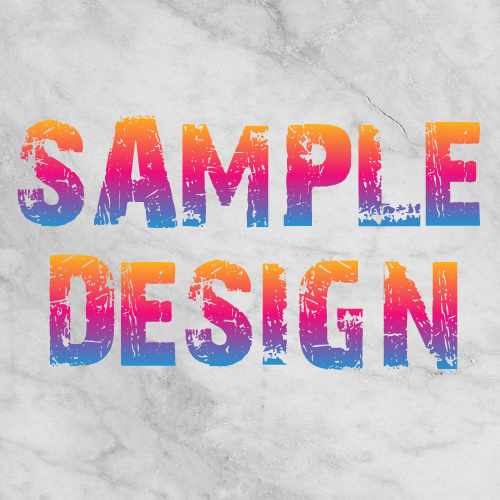

Gradient, Faded, Distressed, or textured backgrounds
Negative Space Object
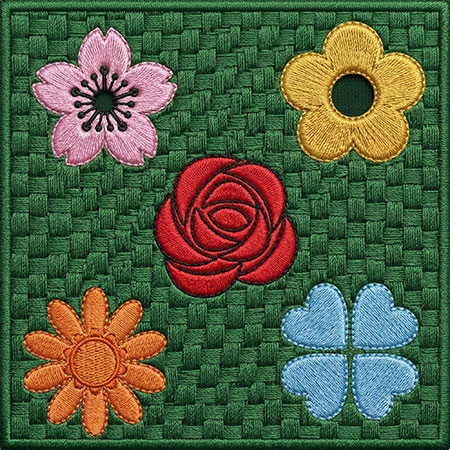

Solid Backgrounds call for high stitch counts


Photographic Images
Disclaimers
- Generated preview proofs are for reference only, the end result will not always match your design exactly.
- If your design does not meet the guidelines, we can't guarantee a preferable result.
- FAQ How Is My Price Determined?
- What is the minimum order quantity?
- Where can I get assistance with my design?
- How can I ensure my design is perfectly centered?
- Can I request a sample before placing an order?
- How can I order my design on different products, colors, or styles?
- What can I expect after placing my order?
- When can I expect my order to arrive?
- What payment methods do you accept?
- What should I do if I have an issue with my order?
- Where is 24hourwristbands.com located?
- Is my order tax exempt?
- Does 24hourwristbands.com keep products in stock?
- How can I get your W-9 form?
- Explore the Design Studio
- Maximum print area for designing
- Creating a design on the back
- Modifying the font design
- Resize Your Clipart
- Upload Your Own Art
- Trademarked or copyrighted images
- Selecting the Perfect Imprint Colors for Your Design
- Best Practices for Printing Clean, High-Quality Images
- What format should I use to submit my artwork?